
Unenroll from ManagedPay on payit901
Cancel automatic monthly payments on payit901 login to your account and follow the steps below:
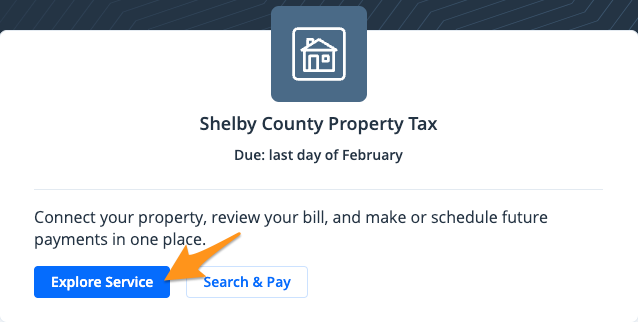
- Click Explore Service
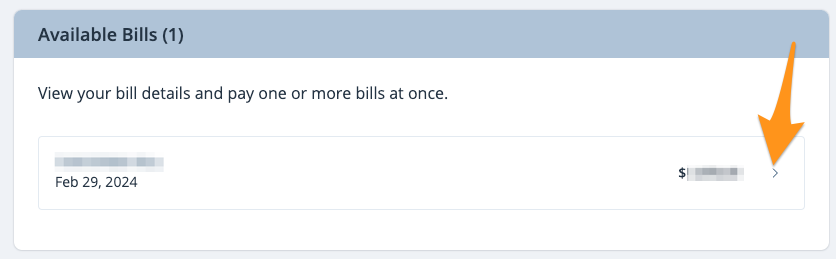
- Select the bill you wish to unenroll
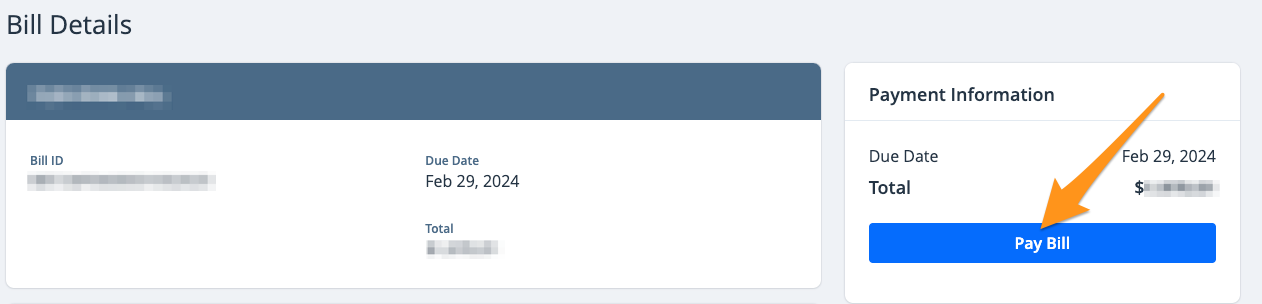
- Click Pay Bill
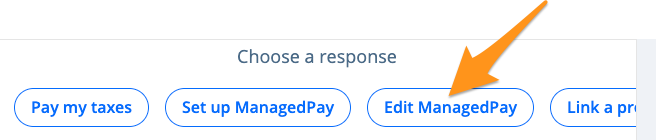
- Select Edit ManagedPay
5. Select Cancel ManagedPay Plan
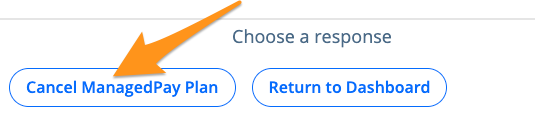
Your ManagedPay Plan has now been canceled and you will receive a confirmation email.