
Add a Shelby Property on payit901
Once you have logged into payit901 (see Create a Profile on payit901), you can search for your property by following the steps below:
- Click Search & Pay
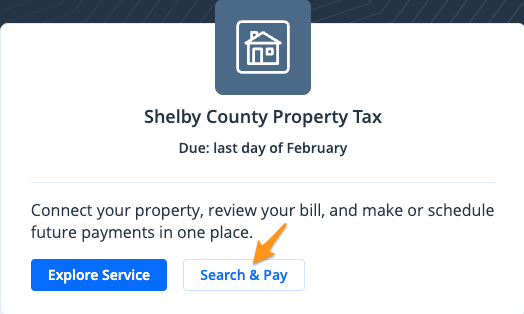
- Click Yes, look up my property

- You can search by "Parcel ID", "Property address", "Owner name" and "Business name ". Select your response and enter the information for your property.

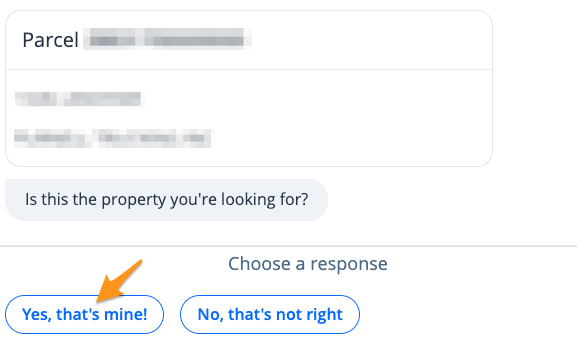
- If the results you get look correct, click on Yes, that's mine!
Your property is now linked to your payit901profile. Bills will appear on the dashboard after signing in, and you will receive email notifications when new bills become available.