
Submit a Shelby County Criminal Court Payment on payit901
Making a payment to the Shelby County Criminal Court Clerk's Office is now easier than ever! On payit901 you can now submit payments for felony fees.
Log into payit901(seeCreate a Profile on payit901) and follow the quick steps below to get started:
-
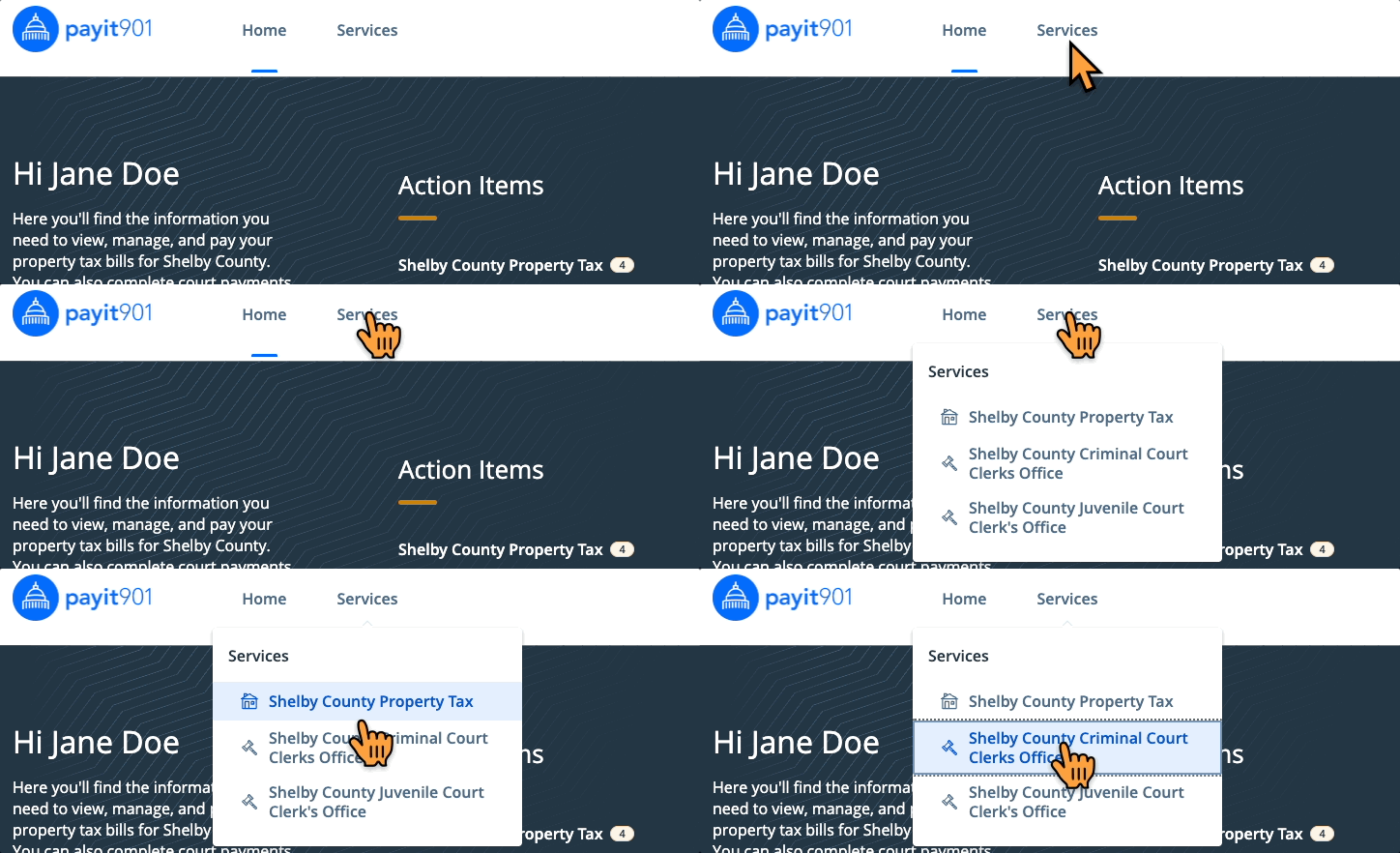
Select Shelby County Criminal Court Clerk's Office from the "Services" drop down menu and click Search and Pay Felony Cases
-
Search for your case, enter a payment amount and click Add to Cart
-
On the cart notification select Checkout
-
Select a payment method and click the blue Pay $--.-- button to submit your payment
Related step-by-step guides: