
Schedule Shelby County Payments on payit901
After creating a payit901 profile (see Create a payit901 profile) you can schedule a property tax payment on current bills up until the due date. To schedule a payment follow the steps below:
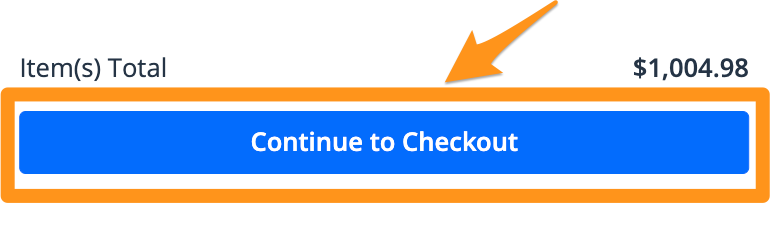
- Click Continue to Checkout
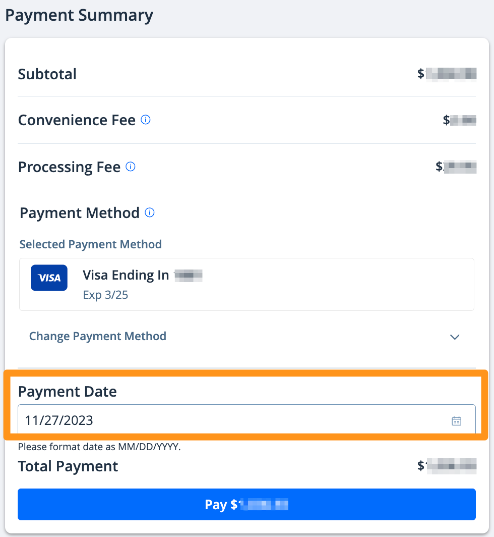
- After choosing your payment method, select your preferred "Payment Date", then click the blue Pay $--.-- button to complete your payment
After completing your scheduled payment, you will receive an email confirmation. Your receipt will also be stored in your profile (see Find My Receipt on payit901).